Costream Override
Watch Your Favorite Co-Streamer, Earn LoL Esports Rewards
Never miss rewards again. Our extension lets you watch your preferred co-streamer on the official LoL Esports site while earning drops.
Why Use This Extension?

Watch Your Favorite Co-Streamer
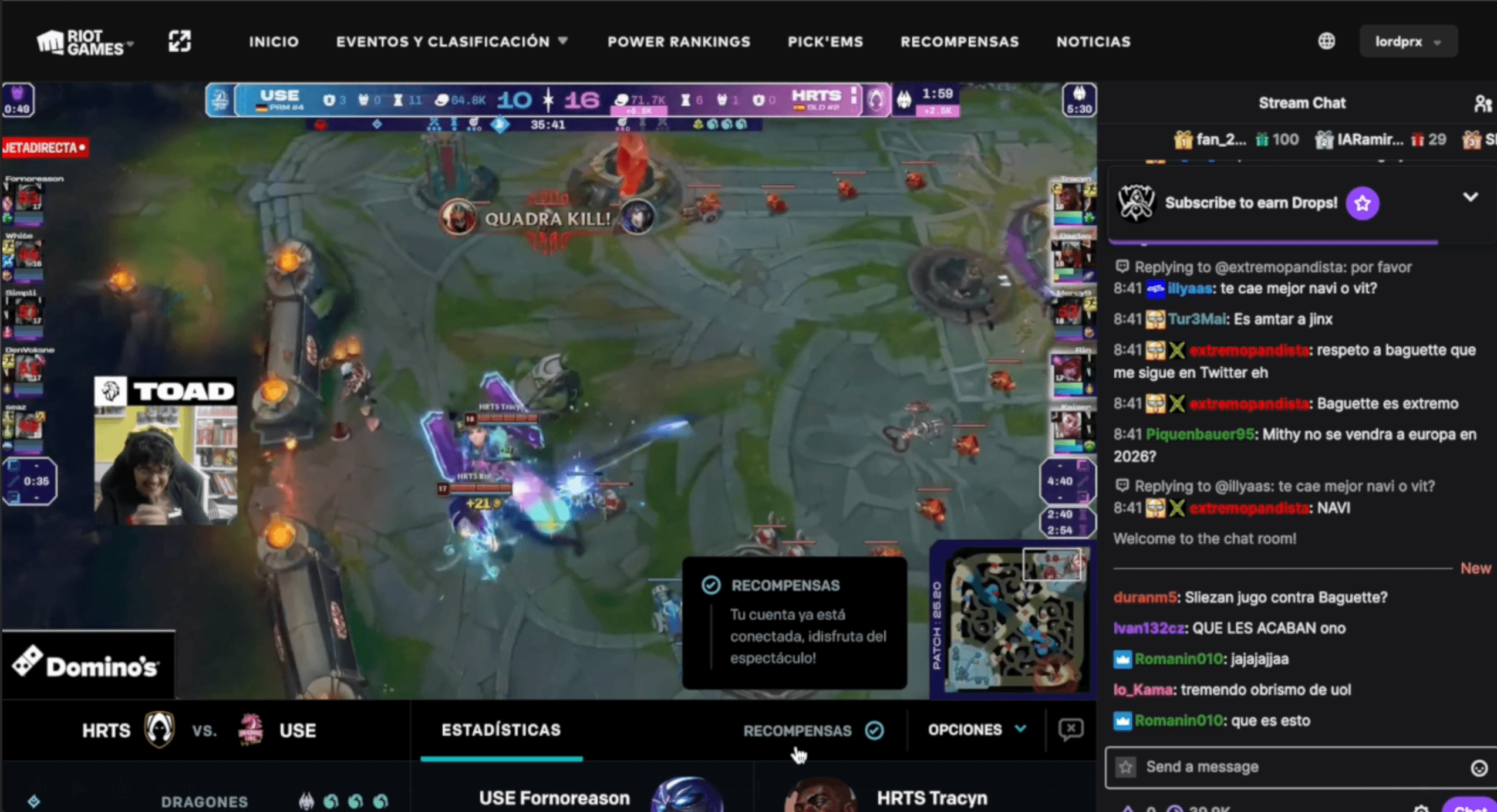
Automatically replace the official stream with your preferred co-streamer's Twitch channel. Get their perspective, chat, and commentary.
Earn Official Rewards
Stay on lolesports.com to earn drops, missions, and in-game rewards. No more choosing between rewards and your favorite streamer.
One-Click Setup
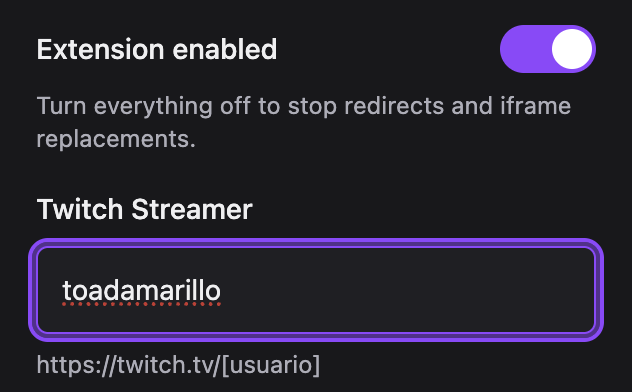
Just enter your co-streamer's Twitch username. The extension handles everything else. No complex configuration required.
How It Works
1. Install the Extension
Click the button above to add the extension to Chrome. It takes 5 seconds.
2. Enter Your Co-Streamer
Open the extension popup and paste your favorite co-streamer's Twitch username or URL.
3. Visit LoL Esports
Go to lolesports.com during a live match. The extension automatically swaps the stream to your co-streamer.
4. Earn Rewards
Watch, enjoy, and collect your rewards. You're on the official site, so drops work perfectly.
Frequently Asked Questions
The extension detects Twitch video embeds on lolesports.com and replaces them with your configured co-streamer's channel. You stay on the official site, so rewards still work.
Yes! Reward eligibility is based on visiting lolesports.com, not which stream you watch. As long as you're on the official site, you'll earn drops.
Absolutely. The extension only stores your co-streamer preference locally. No data is sent to external servers. It's open-source and privacy-focused.
The extension works on Chrome and Edge (Chromium-based browsers). Firefox and Safari are not currently supported.
The extension will notify you if your co-streamer is offline and provide a button to revert to the official stream.
Currently, the extension supports one co-streamer at a time. You can change your preference anytime in the extension popup.